LUTs (Look-Up Tables) are files used in video and photo editing to quickly and professionally adjust or transform color. They work like advanced filters, applying a specific look to your image.
LUCASFOPPT






FOP CINE LUTs
Give your footage a film look. Includes camera-specific LUTs and step-by-step tutorials.
- 9
- cinematic looks
- 51
- .cube files
- 3
- color spaces
$29.99
Find your next look.
9 looks, all in the pack. Choose an image and see what changes with the LUT.


Loading comparison…
FOP CINE LUT 01
Footage from cameras and phones. Camera interface for illustration.
All 9 looks + installation and editing tutorials
Cinematic videos without editing
Record with FOP CINE LUTs applied in Blackmagic Camera. Your video comes out with the look, ready to post. The pack includes a step-by-step setup tutorial.
Buy nowHow it works
Edit with me
Starting from scratch? You're in the right place.
Follow my step-by-step videos to apply the LUTs in different apps. Portuguese audio, English subtitles.






Made for every camera
Use the Rec.709 version with footage from your camera or phone. If you shoot in Log, choose the matching version or conversion included in the pack.
Apply in your editor
Import the .cube file into your editor and apply the look to your footage. Start with a ready-made color treatment to speed up your edit.
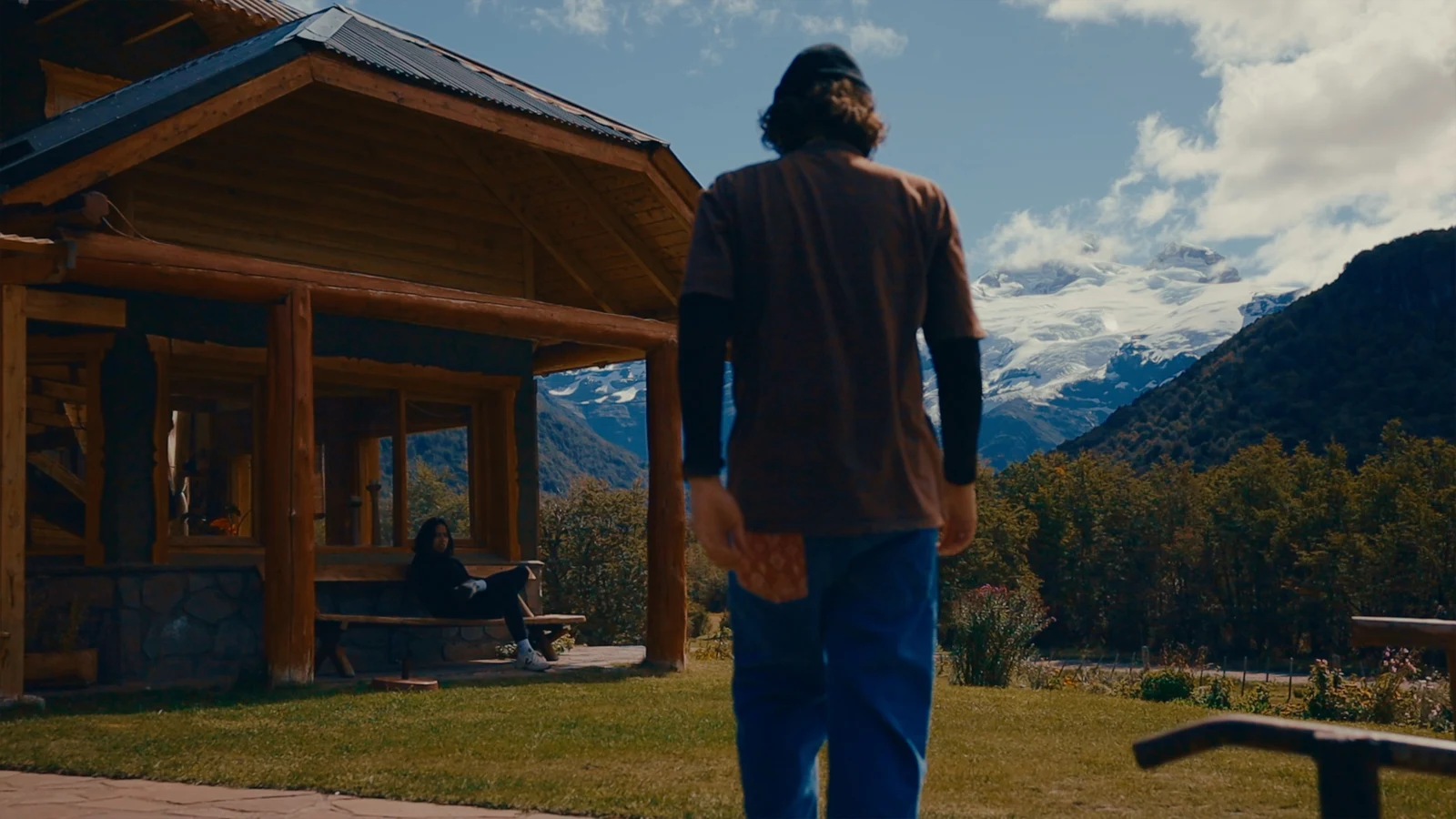
Cinematic color depth
A rich foundation with smooth contrast and organic texture. Deep, natural colors that evoke film while keeping the image balanced and realistic.
FOP CINE LUTs
Versions for Rec.709, Apple Log, and Apple Log 2, monitoring and camera conversion LUTs, plus installation and editing tutorials. All in one pack.
Tutorials are in Portuguese with English subtitles.
- 9
- cinematic looks
- 51
- .cube files
- 3
- color spaces
$29.99
Frequently asked questions
Any camera or smartphone that records in Rec.709, today’s most widely used color standard. If you shoot in Log, convert the footage to Rec.709 before applying the creative LUTs.
Yes. You can apply a LUT in video editing software and export the frame as an image. On iPhone, you can also edit photos in Liit, which supports LUTs. The pack includes a tutorial for this workflow.
Any software that supports .cube files. On desktop: Final Cut Pro, Adobe Premiere Pro, DaVinci Resolve, and CapCut Desktop. On mobile: VN and Liit.
Log is a low-contrast video format designed to capture more image information. Rec.709 is the standard, finished-looking color space used for display. FOP CINE LUTs are designed to be applied to Rec.709 footage.
No. The creative LUTs are made for Rec.709. If you shot in Log, use the technical conversion LUTs included as a bonus in the pack.
You’ll receive videos showing how to apply the LUTs in leading apps. Tutorials cover Adobe Premiere Pro, DaVinci Resolve, Final Cut Pro, CapCut Desktop, Blackmagic Camera, VN, and Liit.
Yes. With the free Blackmagic Camera app, you can record with the Rec.709 LUTs applied in real time. The pack includes a video showing you how to set it up.
Yes. The pack includes Apple Log and Apple Log 2 versions for shooting in Log on iPhone 15 Pro, 16 Pro, and 17 Pro, including recording with the look applied in Blackmagic Camera.
You’ll receive .cube files, the universal LUT standard. The creative LUTs use a 64-point cube for maximum color precision, while the monitoring LUTs use a 33-point cube.